Enjoy the full gaming lobby, live Sports Betting, Fish Game, and Live Casino — all from your smartphone. Download 888 game app and play from anywhere.
888 game app runs smoothly on both Android and iOS.
Download the APK file directly. Installation without the Google Play Store is supported.
Best performance on iPhone and iPad. Can also be used directly from the Safari browser.
To install the APK on an Android device, go to your phone's Settings and enable "Unknown Sources" or "Install unknown apps." This is a straightforward process and can be turned off again afterward. iOS users can open the website in Safari and add it to the home screen.
Visit 888gameapp.app using your mobile browser.
Tap the Android button on the download page.
Enable Unknown Sources in your settings.
Tap the downloaded APK file to install.
Open the app, log in to your account, and start playing.
The full game lobby, right in the palm of your hand.

The easiest way to use 888 game app on an Apple device is through the Safari browser. The website functions as a Progressive Web App (PWA), meaning it feels just like a native app — even without installation.
Type 888gameapp.app in Safari on your iPhone.
Tap the Share icon at the bottom (the box icon with an upward arrow).
Select "Add to Home Screen" — and that's it. The icon will appear on your home screen instantly.
From now on, tapping the home screen icon will launch the app in full-screen mode.
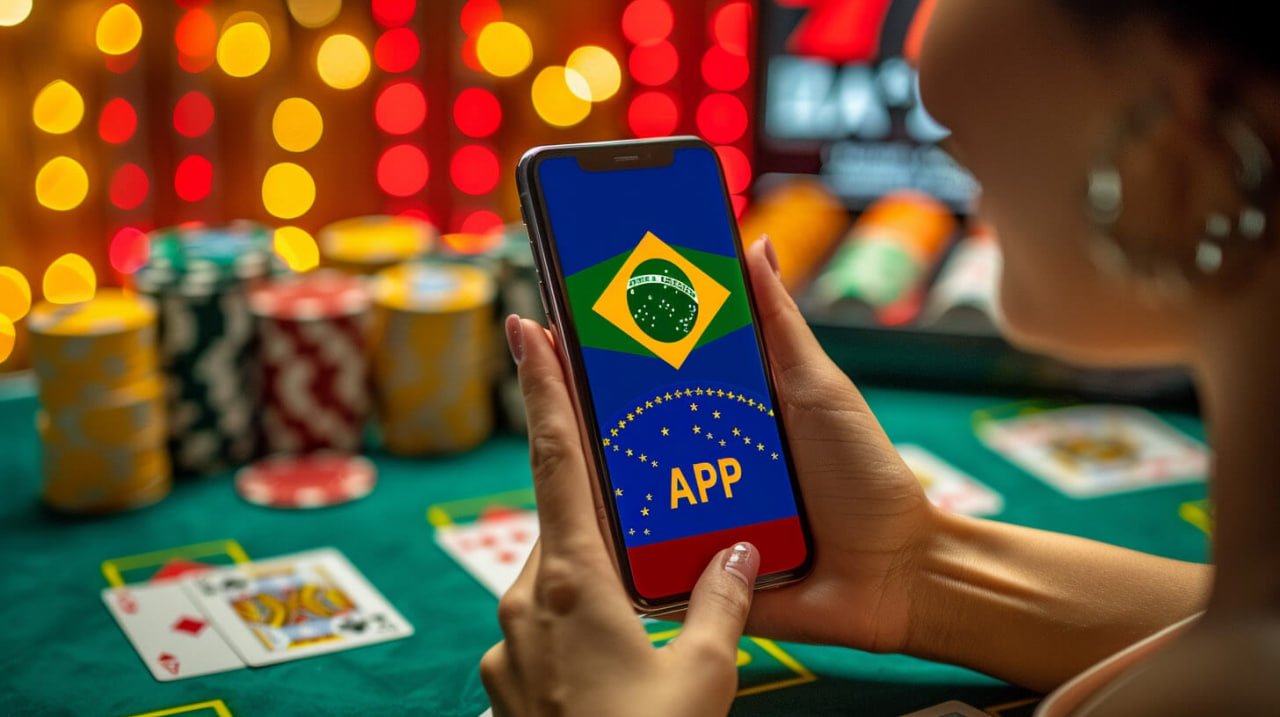
The mobile app is not just a scaled-down version of the website — it is purpose-built for mobile users and offers exclusive features you won't find on the website.
Get instant notifications when a live match kicks off, a bonus arrives, or your bet result is in.
As a native app, it loads significantly faster than a browser and performs well even on a slow internet connection.
Log in quickly with fingerprint or Face ID. No need to remember your password.
Some parts of the app are accessible without an internet connection. Once you're back online, everything syncs automatically.
The app combines SSL encryption with device-level security. Your data is completely safe.
Every menu, button, and instruction in the app is available in Bengali. No language barriers.
888 game app runs smoothly on both the latest smartphones and older devices alike.
Android 6.0 (Marshmallow) or above
IOS 13 or above. iPhone 6s or newer
At least 100 MB of free space required
3G or above. 4G or Wi-Fi recommended for live games
In short — yes, the app is the better choice for regular users. That said, the website works perfectly fine for occasional use. See the comparison below.
| Features | Mobile App | Web Browser |
|---|---|---|
| Loading Speed | Much Faster | Normal |
| Push Notifications | ✔ | Limited |
| Biometric Login | ✔ | ✘ |
| Battery Usage | Low | More |
| Offline Viewing | Partial | ✘ |
| Installation Required | Yes (once) | No |
| Latest Games | ✔ | ✔ |
Many users install the app once and never update it for years. But keeping the 888 game app regularly updated comes with real benefits.
Each new update typically adds new games, fixes existing bugs, improves security, and makes the interface more intuitive. Occasional updates also come with exclusive bonus offers.
Go to your phone's settings and enable auto-update for 888 game app. You'll always have the latest version without any hassle.
Most updates are under 10 MB, so they use very little mobile data. Updating over Wi-Fi is always the best option.
Older versions may contain security vulnerabilities. Always using the latest update keeps your account and personal data safe.
Logging in after a major update sometimes rewards you with a special welcome-back bonus.
1000+ games, live sports, fish games — all in your pocket with the 888 game app.